
Product and campaign images
Explore studio lighting, lifestyle settings, and campaign compositions around a product reference.
Sign in to claim 100 starter credits and begin creating
Your image, your direction
Explore a new visual idea, give an existing photo a fresh setting, or arrange subjects and words into a thoughtful design.
Generate an image from a written creative brief
Request focused changes to an existing image
Guide the framing, references, and text in your design
A place to develop your visual ideas
Decide what the image needs to communicate. Then use a brief, a reference, and focused edits to explore the look that fits your project.
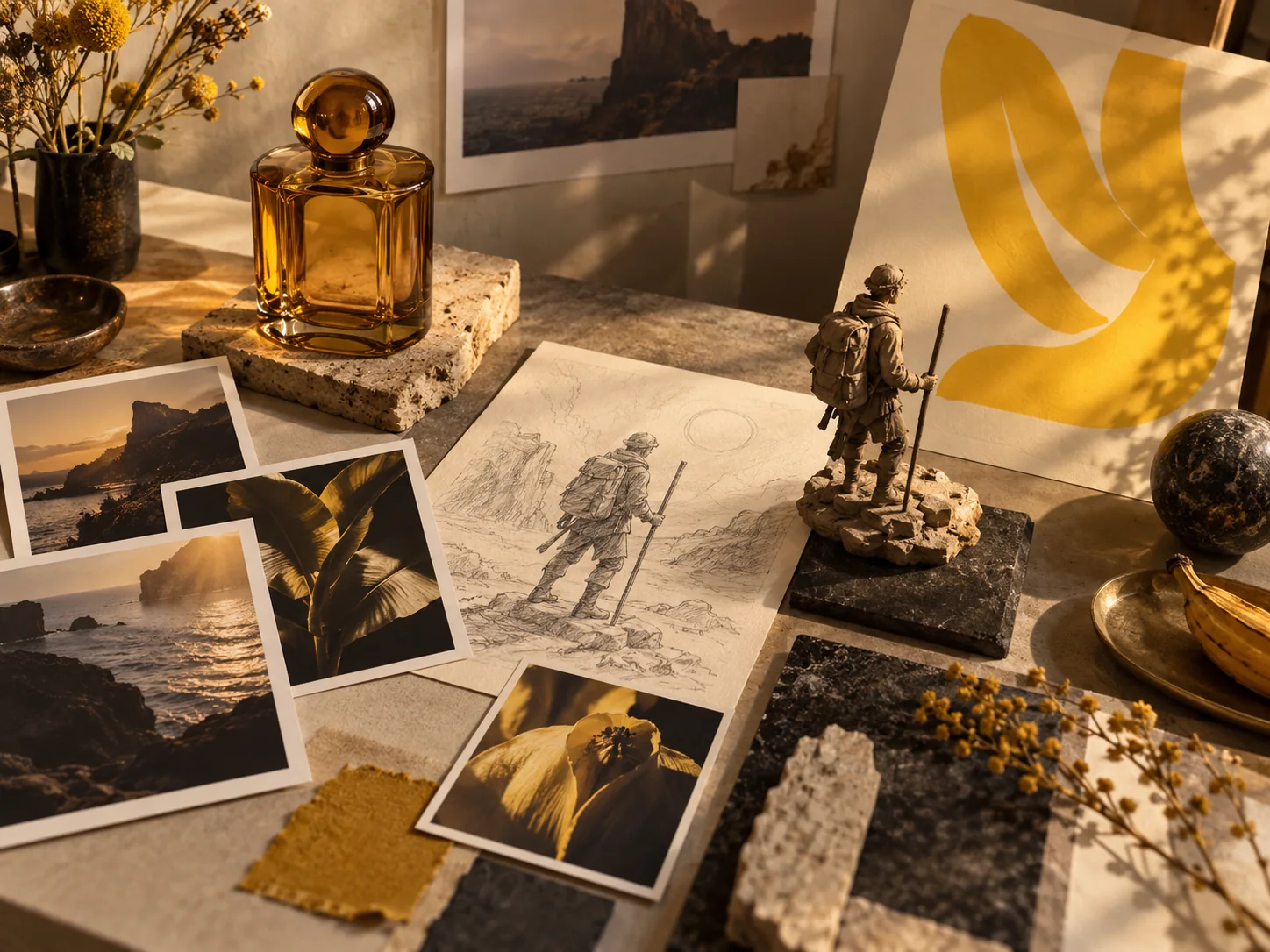
Describe the subject, setting, light, and mood to develop a product image, an illustration, or a new design concept.
A clear product or character image helps guide recognizable details while you explore another background, outfit, or visual style.
Replace a backdrop, adjust a color palette, or add an object. Explain what should change and which details you want to retain.
Supply the wording and describe its placement, type style, and surrounding space to explore posters, cards, and packaging concepts.
Visual ideas to explore
Each project begins with something different. These creative directions show how a clear subject or brief can guide an image.
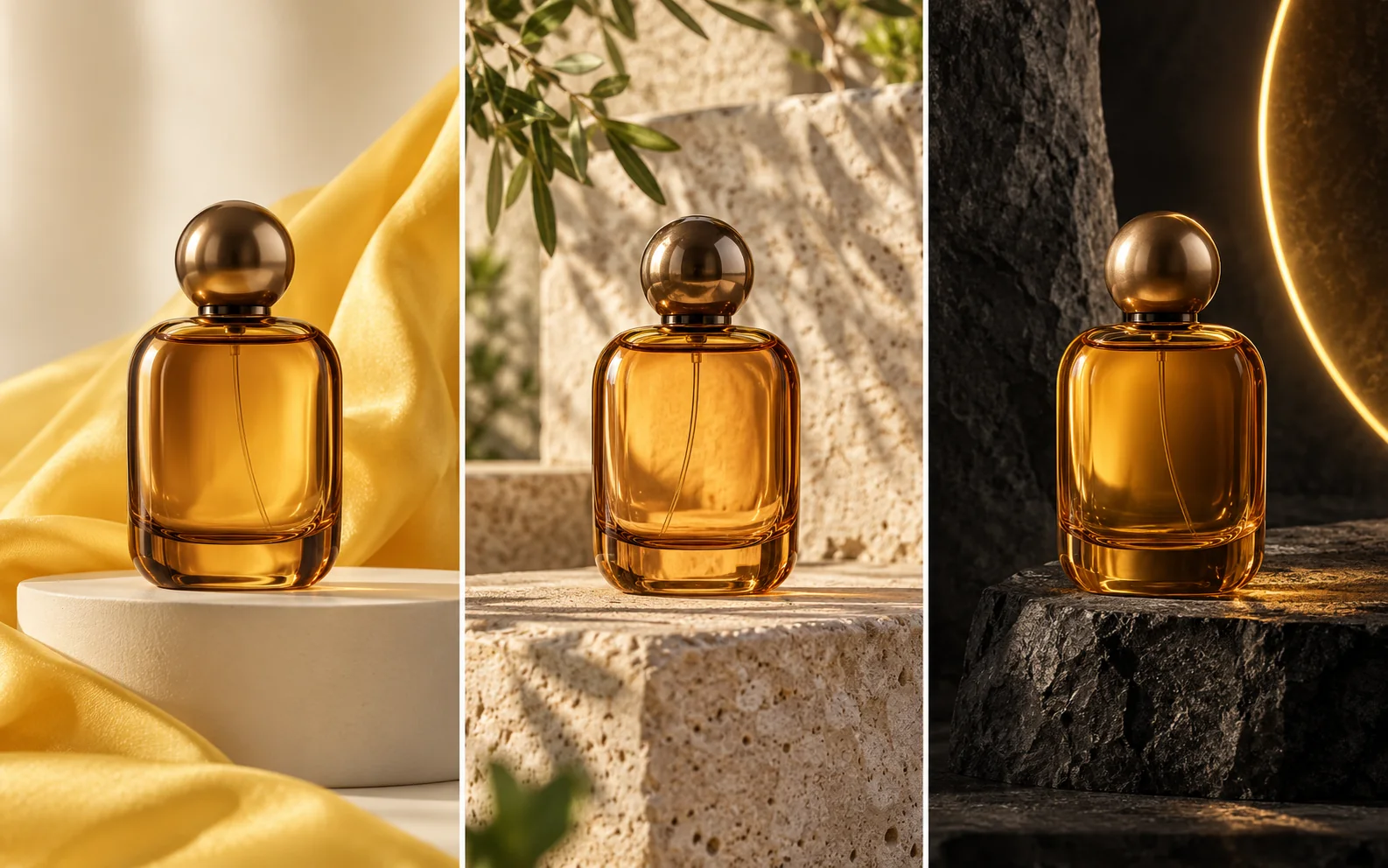
Place a perfume bottle in a clean studio, a botanical setting, or a bold campaign concept. Use a product reference to guide its shape and details while you explore lighting and backgrounds.
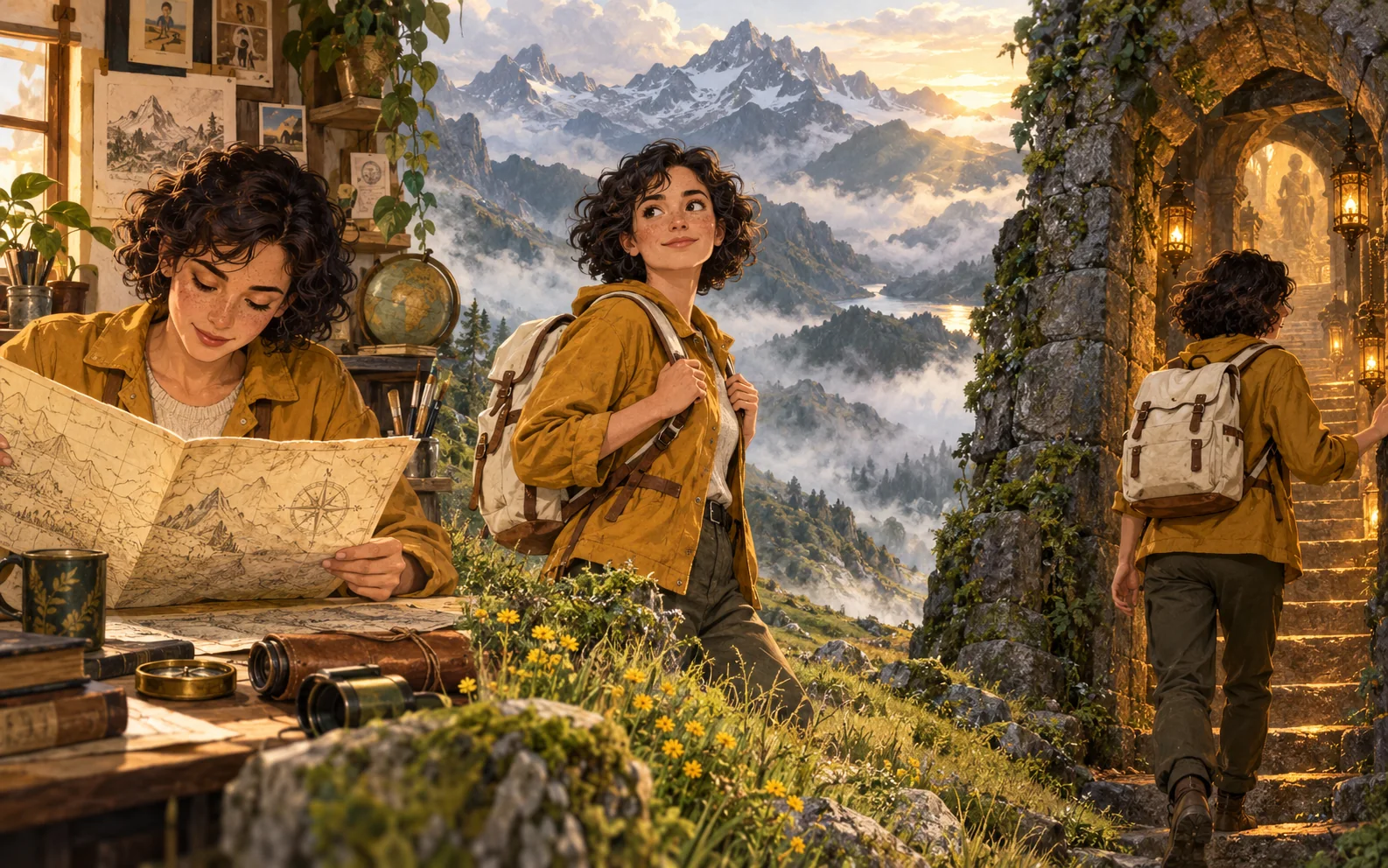
Develop an explorer’s look, then imagine new clothing, poses, and surroundings. Character references help carry recognizable features into illustration and storyboard concepts.
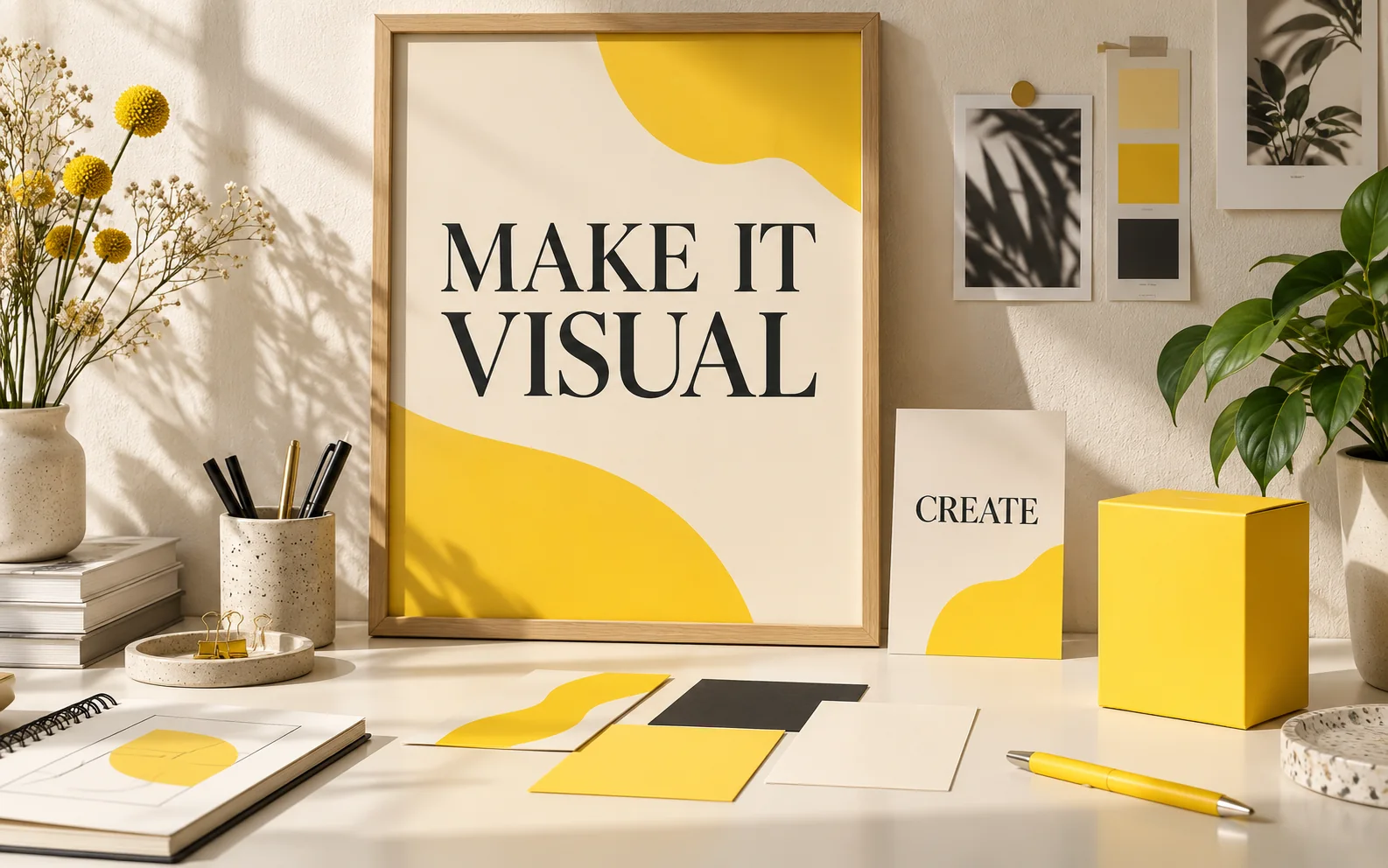
Build a poster concept around the words you want to share. Describe the typography, color palette, and layout, then check the wording and spacing as you refine the design.
From brief to image
Explain the image’s purpose, describe what belongs in it, and use each result to sharpen your next creative decision.
Name the subject and intended use. Add the style, setting, lighting, and composition that will help the image communicate your idea.
For an edit or a recognizable subject, use a clear image and explain which features matter. Describe the changes you want to explore.
Look at the subject details, framing, and overall mood. For designs with text, check every word and its position in the image.
Adjust your brief or request a focused image edit. Try another background, expression, or layout to develop the version that suits your project.
Made for your next visual project
Use image generation and editing for everyday design tasks, from presenting a product to explaining an idea.
Explore studio lighting, lifestyle settings, and campaign compositions around a product reference.
Develop a strong focal point, a suitable frame, and space for your message in a post or cover concept.
Try new outfits, environments, and illustration styles while using a reference to guide the subject’s appearance.
Combine supplied text with a visual theme to explore promotional designs, invitations, and packaging mockups.
Describe a place, object, or imagined world and develop its colors, textures, perspective, and atmosphere.
Turn a clear explanation into a diagram or infographic concept, then review the labels and factual details.
Nano Banana 3 FAQ
Practical guidance for image briefs, references, edits, text, and your first project.
Create product scenes, portraits, character concepts, illustrations, posters, and other visual ideas from a written brief. You can also use an image as a reference or describe changes to an existing picture.
For a new image, describe the scene you want to create. For an edit, provide an image and explain the changes, such as a different background, outfit, color, or object. Include the details you want to retain.
Choose a clear image that shows the features you care about, such as a face, clothing, bottle shape, or label. Explain which details should stay recognizable and what you want to change. Review those details in the result.
Describe the subject, setting, style, light, and composition. Mention the intended use, such as a product image or poster. If words belong in the image, supply the wording and describe where it should appear.
Yes. Supply the words you want and describe the font style, placement, and surrounding space. This is useful for poster, card, and packaging concepts. Check spelling, legibility, and translated wording before using the design.
You can describe a focused edit, such as changing a background color, replacing an object, or adjusting clothing. State which surrounding details should remain, then inspect the result for any other changes.
Describe whether the image should be square, portrait, or landscape, then explain the subject’s placement. Camera angle, close-up or wide framing, and space for text can all be part of your brief.
Check faces, product details, text, and composition against your brief. For diagrams or infographics, verify the labels and information. A focused edit or a clearer prompt can help you develop another version.
Sign in to claim 100 starter credits, then open the creation page with an idea or reference image. Visit the pricing page to explore credit options for further projects.
Choose a monthly, yearly, or one-time credit plan for product images, illustrations, and visual exploration.
Cancel anytime
Your idea deserves a picture
Bring a product, a character, a headline, or an image you want to change. Give it a creative brief and see where your visual idea takes you.